Step-by-Step Guide to Using AI NarratorHow to Use
Get started in minutes with our simple 3-step process3 simple steps to get started
What is AI Narrator and is it free?
AI Narrator is a free Google Docs add-on that converts your written documents into professional audio using 30+ AI voices across 50+ languages. It is completely free forever with no credit card required. Install it from the Google Workspace Marketplace in under 2 minutes and generate your first audio immediately.
Install AI Narrator Add-on
Go to Google Marketplace

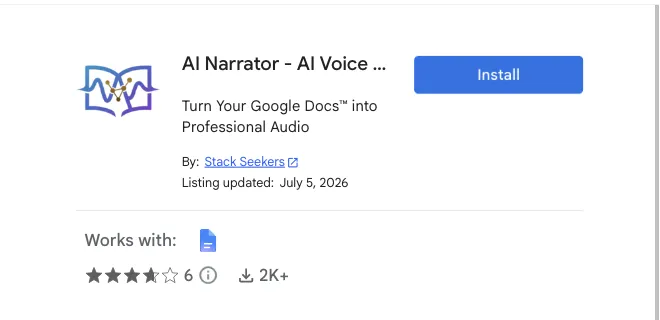
AI Voice generator → InstallOpen AI Narrator Sidebar
The interface will appear on the right side with all controls.
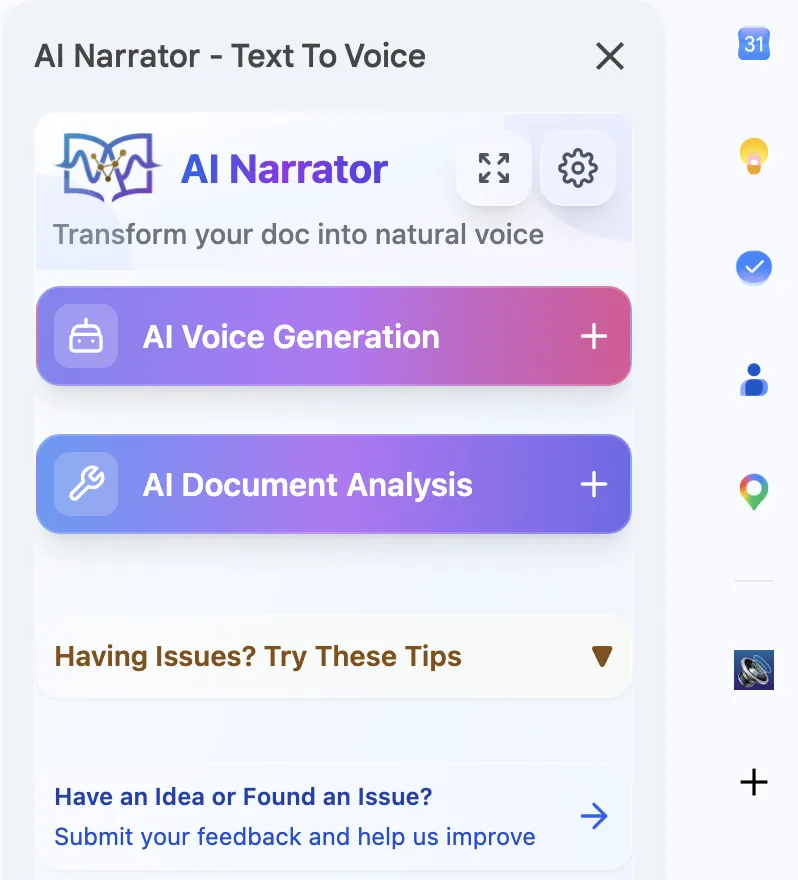
Click "AI Narrator Icon"
AI Voice Generation
Choose from 30+ professional AI voices. Select text or convert entire documents to high-quality audio.
AI Voice → Play!AI Analysis
Get AI-powered insights about your document content, structure, and recommendations for improvement.
Doc Analysis → Insights!Docs that talk, analyze, & apply recommendationsKey Features
Everything you need to transform your written content into engaging audio experiencesPowerful AI voice generation & analysis
AI Voice Generation
Google Docs Text Processing & Extraction
- Selected text processing
- Intelligent text extraction
- Complex structure handling
- Full document reading
AI Document Analysis
Comprehensive analysis
Engagement insights
Writing style feedback
Step-by-step guidance