AI Narrator vs Text To Speech with Google Drive™ — Which Is Better?
Compare AI Narrator and Text To Speech with Google Drive™. See why AI Narrator offers 30+ AI voices, voice cloning, and intelligent document analysis — all free.
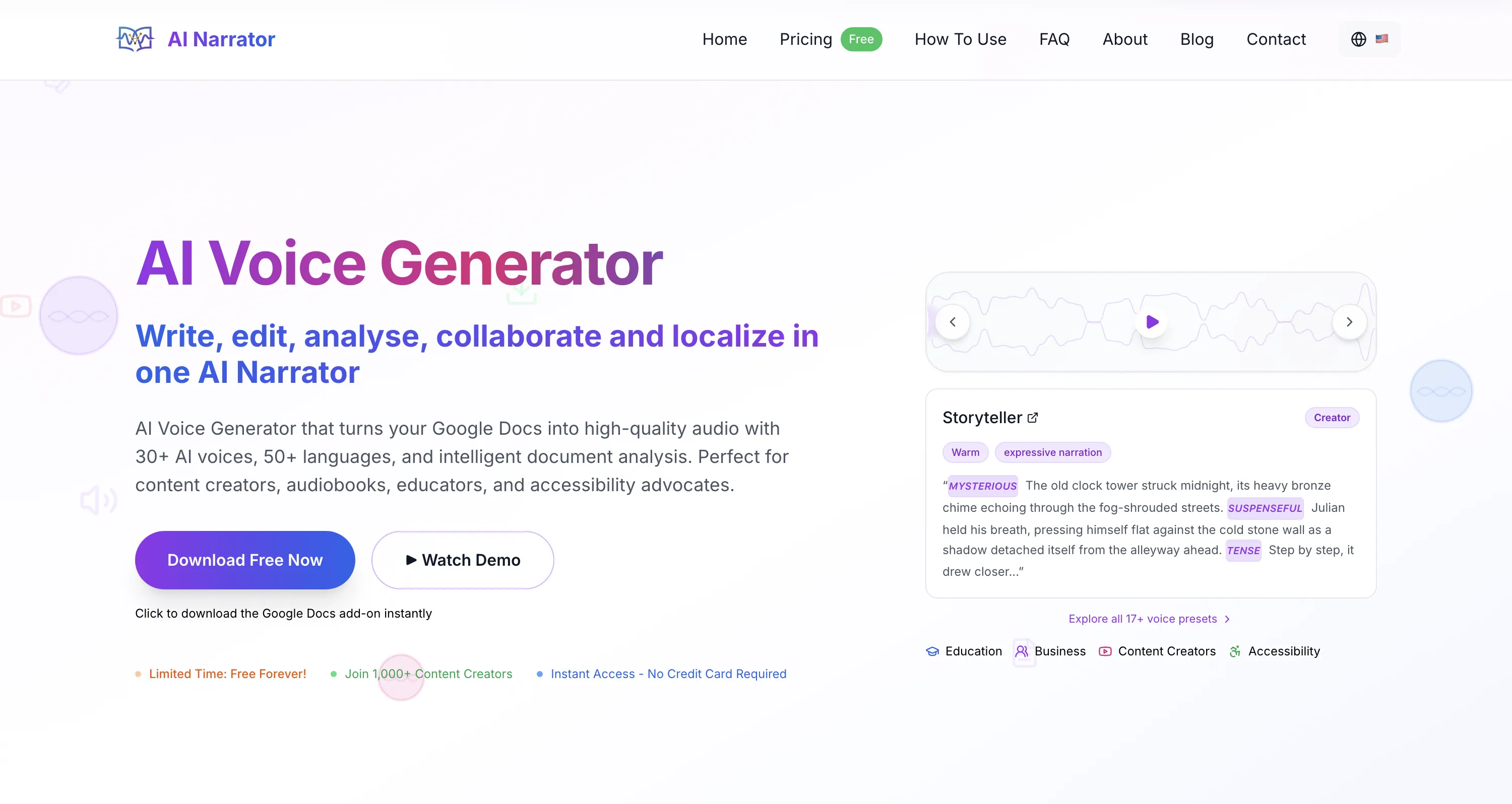
Quick Answer: Text To Speech with Google Drive™ is a basic TTS add-on with 5–10 voices and no advanced features. AI Narrator offers 30+ AI voices, voice cloning, AI document analysis, 17+ presets, and a free forever plan. If you want professional-quality narration from Google Docs, AI Narrator is the clear upgrade.
| Feature | AI Narrator | Google Drive TTS |
|---|---|---|
| AI Voices | 30+ natural AI voices | 5–10 basic voices |
| Voice Cloning | ✔️ Clone any voice in 30 seconds | ✖️ Not available |
| AI Document Analysis | ✔️ Tone, structure, readability insights | ✖️ Not available |
| Languages | 50+ with natural accents | Limited selection |
| Voice Presets (17+) | ✔️ Storytelling, e-learning, news, etc. | ✖️ Not available |
| Free Forever Plan | ✔️ No credit card required | ⚠️ Paid only |
| URL/PDF/Word to Audio | ✔️ Import and narrate any document | ✖️ Not available |
| Google Docs Integration | ✔️ Sidebar add-on | ✔️ Sidebar add-on |
| Audio Download | ✔️ WAV export | ✔️ Basic download |
| Custom Tone & Emotions | ✔️ Adjustable per preset | ✖️ Not available |
1. 30+ AI Voices vs 5–10
AI Narrator gives you over 30 natural-sounding AI voices — far more than the 5–10 voices offered by Google Drive TTS. Whether you need a warm narrator for storytelling, a professional tone for business presentations, or an energetic voice for marketing content, there is a voice that fits.2. Voice Cloning
Clone any voice with just 30 seconds of audio. Create custom voices for your brand, replicate a specific tone, or build a consistent audio identity across all your content. This feature is not available in Google Drive TTS.3. AI Document Analysis
Get intelligent insights about your document structure, tone, and readability — a feature no competitor offers. AI Narrator analyzes your content and suggests improvements before you generate audio.4. 50+ Languages
Generate audio in over 50 languages with natural accents. Perfect for global content creators, educators, and businesses reaching international audiences.5. 17+ Voice Presets
Ready-to-use presets for storytelling, e-learning, commercials, news, ASMR, and more. Each preset adjusts pacing, emphasis, and tone to match your content type.6. Free Forever
Core features are free forever. No hidden fees, no credit card required. Google Drive TTS requires a paid plan for most features.
Conclusion: Google Drive TTS is a basic add-on, but it was never designed for professional content creation. AI Narrator transforms Google Docs into a full audio studio with natural voices, voice cloning, AI analysis, and genre presets. View pricing to see the free and premium plans, or install AI Narrator for free and hear the difference.
Want to hear these voices yourself?
Try our AI Narrator for free right now. No sign-up required.
Play Voice SamplesReady to Try AI Narrator?
Start converting your Google Docs into professional audio today. Free forever!
Add to Doc - It's free