Complete Guide to Text to Speech in Google Docs
Want to hear these voices yourself?
Try our AI Narrator for free right now. No sign-up required.
Text-to-speech technology has revolutionized how we consume content. For students, professionals, and content creators, converting written documents to audio opens up new possibilities for multitasking, accessibility, and content distribution. You can explore our comparison of free TTS tools to see how different solutions stack up.
32 AI Voices
Choose from a variety of professional AI voices in multiple languagesGoogle Docs Integration
Seamlessly works with your existing Google Docs documents15 Languages
Support for over 50 languages for global accessibilityNo Installation Required
Works directly in your browser - no downloads needed
Step 1: Install AI Narrator
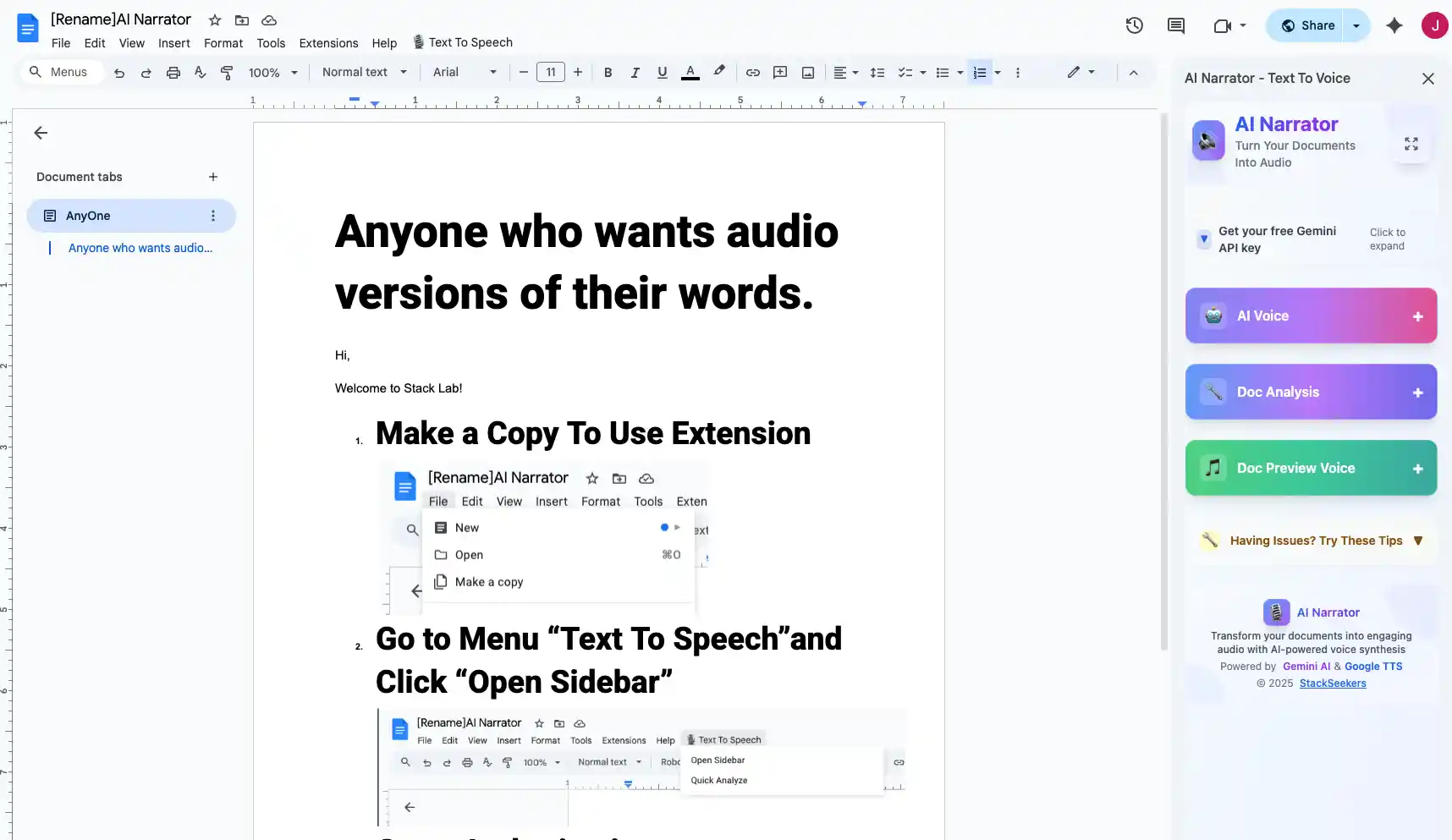
First, you'll need to add AI Narrator to your Google Docs. Visit the Chrome Web Store and search for "AI Narrator" or visit the Marketplace link to download the extension.
Once installed, you'll see the AI Narrator icon in your Google Docs toolbar.
Step 2: Open Your Document
Open the Google Doc you want to convert to audio. Make sure your document is saved and ready.
You can convert the entire document or select specific text to convert.
Step 3: Select Your Voice
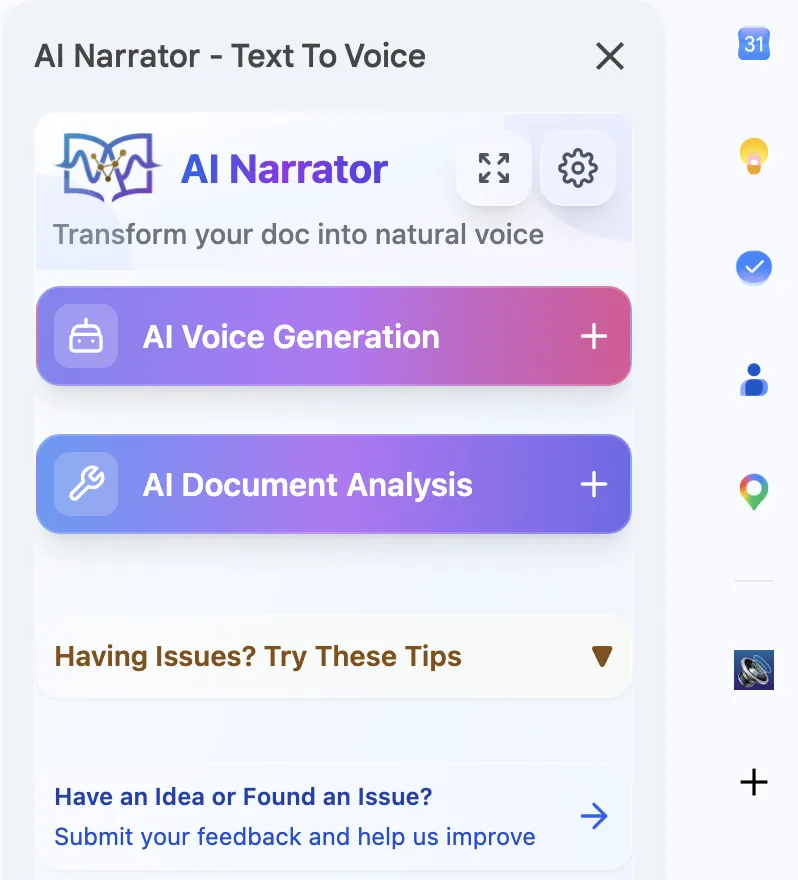
Click on the AI Narrator icon in your toolbar. You'll see a panel with voice options.
Choose from 32 voices in different languages and accents. You can preview each voice before generating audio.
Step 4: Generate Audio
Click the "Generate" button. AI Narrator will process your document and create high-quality audio.
The processing time depends on the length of your document, but most conversions complete in under a minute.
Step 5: Download or Play
Once generated, you can play the audio directly in your browser or download it as a WAV file.
The audio file is yours to keep, share, or use in your projects.
To get the best results with AI Narrator, follow these tips:
Use Clear Formatting
Well-formatted documents with headings produce better audio with natural pauses and breaksChoose the Right Voice
Match the voice to your content type - use professional voices for business documents, casual voices for personal contentCheck Language Settings
Ensure the selected voice language matches your document language for accurate pronunciationPreview Before Downloading
Always listen to a preview before generating the full audio to ensure the voice and quality meet your needs
AI Narrator is versatile and can be used for various purposes:
| Use Case | Benefit | Best Voice Type |
|---|---|---|
| Content Creation | Create audio versions of blog posts and articles for podcasting | Natural, conversational |
| Education | Students can listen to study materials while multitasking | Clear, professional |
| Accessibility | Provides audio access for visually impaired users | Natural, easy to understand |
| Business Presentations | Convert documents to audio for mobile consumption | Professional, authoritative |
| Language Learning | Listen to foreign language documents for pronunciation practice | Native speaker |
Save time by converting long documents into audiobooks. Perfect for consuming content while commuting or exercising!
AI Narrator stands out because it's specifically designed for Google Docs integration. Unlike generic TTS tools, AI Narrator understands document structure and creates audio that respects formatting, paragraphs, and sections. For a detailed walkthrough of audio conversion methods, check out our guide to turning Google Docs into audio files.
- How to Turn Google Docs into Audio Files — Multiple methods compared, from AI Narrator to screen recording.
- AI Narrator for Audiobooks: Best Voices & Presets — Which voice presets work best for audiobook narration.
- AI Narrator vs ElevenLabs — Head-to-head comparison with the industry leader.
- Best ElevenLabs Alternatives in 2026 — Full roundup of every AI voice tool compared.
Converting Google Docs to speech has never been easier. With AI Narrator, you can transform any document into professional audio in minutes. Start using AI Narrator today and unlock a new way to create, share, and consume content.
Ready to start? Install AI Narrator for free from the Google Workspace Marketplace and convert your first document in under 2 minutes.
Ready to Try AI Narrator?
Start converting your Google Docs into professional audio today. Free forever!
Add to Doc - It's free