AI Narrator vs ElevenLabs vs Murf Comparison: Which is Best for Google Docs?
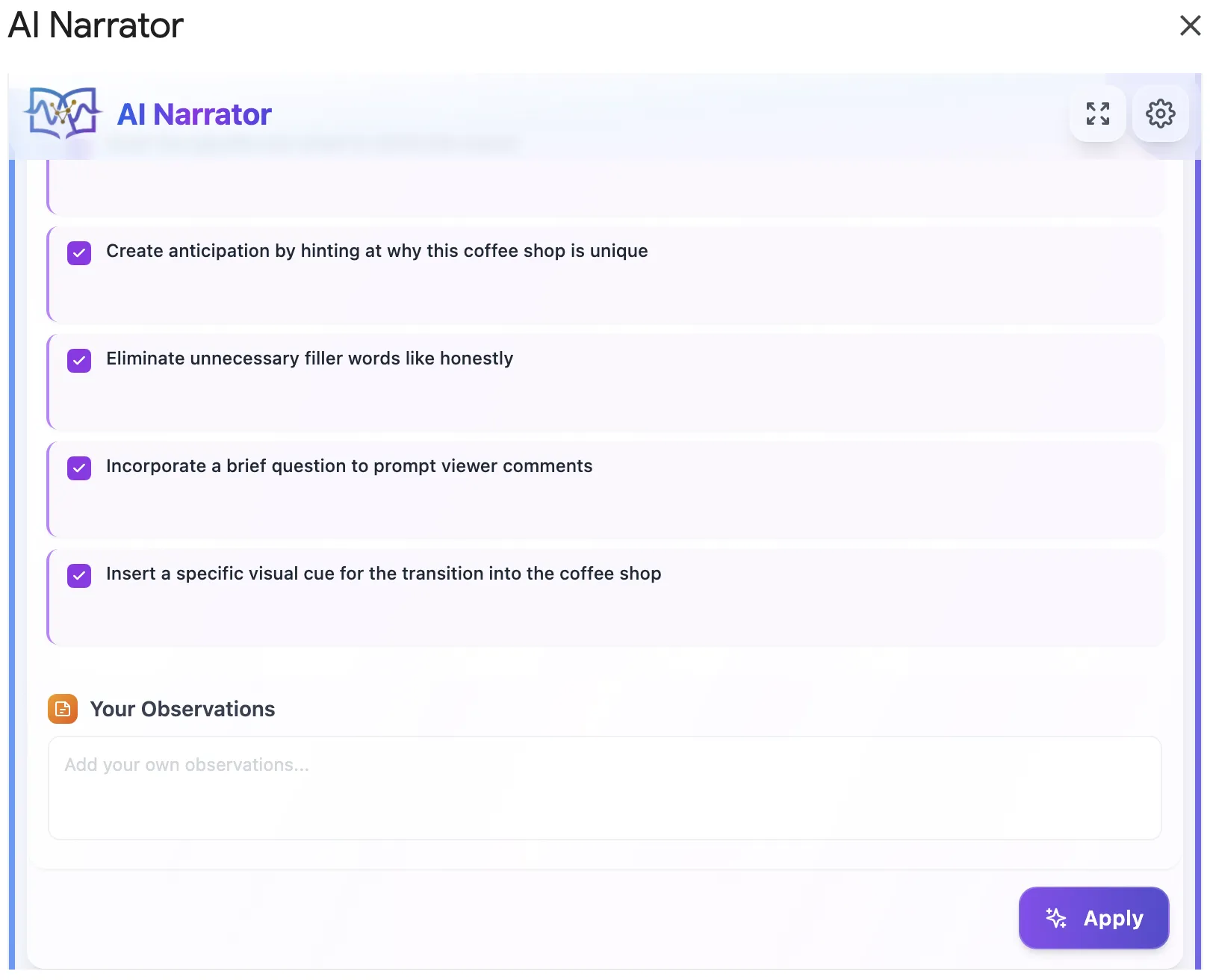
Want to hear these voices yourself?
Try our AI Narrator for free right now. No sign-up required.
Quick Answer: If your workflow centers around Google Docs, AI Narrator is the clear winner because it runs directly inside your document sidebar. While ElevenLabs offers premium custom cloning and Murf focuses on video studio overlays, both require constant copy-pasting back and forth. AI Narrator is also the most budget-friendly with its free-forever tier.
| Feature / Criteria | AI Narrator | ElevenLabs | Murf.ai |
|---|---|---|---|
| Google Docs Integration | ✅ Native Sidebar Extension | ❌ None (Web Console only) | ❌ None (Web Studio only) |
| Workflow Speed | ⚡ Instantly reads document | ⚠️ Copy-paste required | ⚠️ Copy-paste / upload required |
| Free Tier | ✅ Free forever (32 voices) | ⚠️ Very limited characters | ⚠️ Preview-only, no downloads |
| Primary Focus | Document & Script Narration | Voice Cloning & Dubbing | Video Voiceovers & Timelines |
1. Workflow & Integration
AI Narrator was built specifically for Google Docs. You write your content, select your text, and click generate directly in the sidebar. With ElevenLabs and Murf, you must export your doc, upload it or copy-paste text blocks, and manage multiple browser tabs.2. Voice Quality and Presets
ElevenLabs leads the industry in hyper-realistic voice cloning. However, AI Narrator offers 18 curated voice presets that are pre-engineered for specific document types (audiobooks, presentations, lectures, ASMR), providing great quality without complex settings.3. Pricing & Value
Murf's free tier is preview-only, and ElevenLabs quickly runs out of credits. AI Narrator provides a generous, free-forever plan that is fully functional. It is perfect for creators, students, and professionals looking to generate daily audio without paying monthly subscriptions.
For a deeper dive into the Murf matchup specifically, see our full Murf comparison.
Choose AI Narrator if:
You write your articles, books, video scripts, or guides inside Google Docs and want to turn them into voiceovers with one click.
You want a free-forever solution with 18 natural presets without worrying about character counts or monthly bills.
Choose ElevenLabs if:
You need to clone your own voice or require highly emotional, dynamic voice acting for creative dialogue.
You are building developers apps using their REST APIs and do not use Google Docs.
Choose Murf.ai if:
You are creating video presentations and need to sync voiceovers exactly with slide-by-slide transitions within their editor.
You need extensive stock video and background music library built-in.
Conclusion: For Google Docs users, AI Narrator eliminates the friction of copy-pasting. It is the most productive, seamless, and cost-effective text-to-speech add-on available. Try it out by installing it for free from the Google Workspace Marketplace today.
- AI Narrator vs ElevenLabs — Deep-dive into voice quality, cloning, and pricing.
- AI Narrator vs Murf — Document narration vs video voiceover production.
- AI Narrator vs Natural Reader — Free TTS tools compared head-to-head.
- AI Narrator vs Google TTS — Why natural AI voices beat the built-in screen reader.
- Best ElevenLabs Alternatives in 2026 — Complete roundup of all competitors.
Ready to Try AI Narrator?
Start converting your Google Docs into professional audio today. Free forever!
Add to Doc - It's free