AI Narrator vs Google TTS: Built-in vs Add-on Text-to-Speech Compared
AI Narrator vs Google TTS: Compare the built-in Google Docs screen reader with AI Narrator's AI voice add-on. See why natural AI voices beat robotic TTS for document narration.
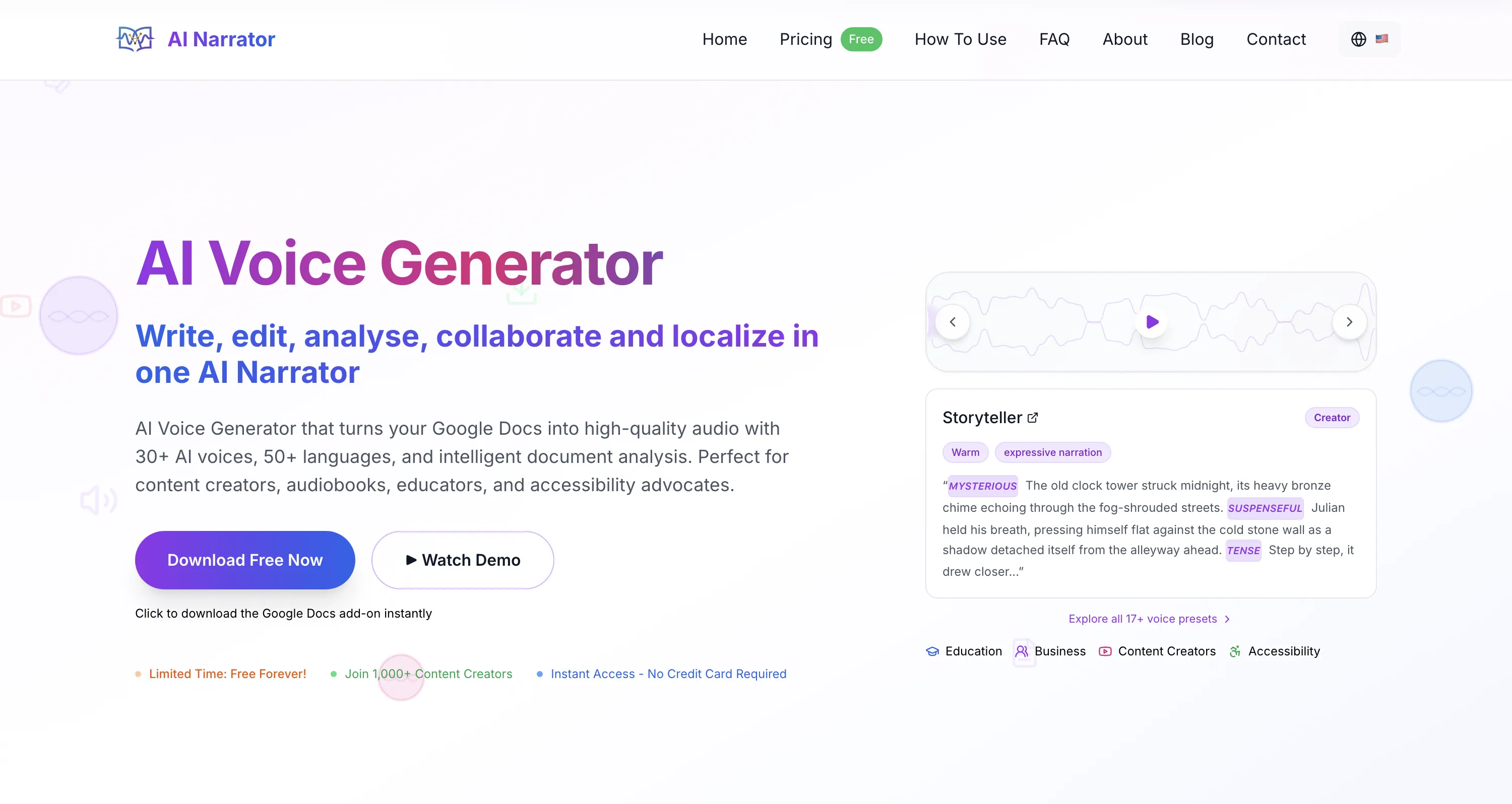
Quick Answer: Google Docs has a built-in screen reader, but it produces robotic, monotonous speech designed for accessibility, not content creation. AI Narrator replaces that with 18 natural AI voice presets, genre-specific narration, and downloadable WAV output. If you want your documents to sound professional, AI Narrator is the upgrade you need.
| Feature / Criteria | AI Narrator | Google TTS (Built-in) |
|---|---|---|
| Voice Presets | 18 genre-optimized presets | ⚠️ Basic screen reader voices only |
| WAV Download | ✅ Included in free plan | ❌ No download option |
| Setup Required | One-click sidebar install | Screen reader software needed |
| Voice Quality | ✅ Neural AI voices, natural inflection | ⚠️ Robotic, monotone |
| Document Analysis | ✅ AI-powered engagement metrics | ❌ None |
| Free Tier | ✅ Free forever | ✅ Free (built-in) |
| Languages | 15 | System-dependent (10-40) |
1. Voice Quality for Long-Form Content
Google TTS uses system-level speech synthesis designed for short accessibility reads, not long-form narration. The voices are monotone and lack natural inflection. AI Narrator uses neural voice models trained for sustained listening, with presets that adjust pacing, emphasis, and tone based on your content type. For audiobooks, lectures, or any content meant to be listened to, the quality difference is stark.2. Audio Export & Distribution
Google TTS plays audio in real time through your operating system. There is no way to save, download, or share the audio. AI Narrator generates downloadable WAV files that you can distribute to students, embed in podcasts, or publish to audiobook platforms.3. When Google TTS is Enough
Google TTS is perfectly adequate for quick accessibility reads, personal listening, or screen reader functionality. If you just need a document read aloud once while you multitask, the built-in tool works. But if you need professional output, audio files, or natural-sounding narration, AI Narrator is the clear upgrade.
Use AI Narrator if:
You want your documents to sound like a professional audiobook, podcast, or presentation.
You need to download WAV files for distribution, accessibility compliance, or content repurposing.
You want genre-specific voice presets (ASMR, Storyteller, Executive Pitch, Lecture & Concepts).
You need multi-lingual narration in 15 languages with natural pronunciation.
Use Google TTS if:
You need a quick accessibility read for personal use.
You are using a screen reader for real-time document navigation.
You do not need audio files and just want text read aloud temporarily.
You prefer a zero-install solution that is already built into your browser.
Conclusion: Google TTS is a functional accessibility tool, but it was never designed for content creation. AI Narrator transforms Google Docs into a professional audio studio with natural voices, genre presets, and WAV export. install AI Narrator for free and hear the difference.
Want to hear these voices yourself?
Try our AI Narrator for free right now. No sign-up required.
Play Voice SamplesReady to Try AI Narrator?
Start converting your Google Docs into professional audio today. Free forever!
Add to Doc - It's free