Best AI Voice Generator Chrome Extensions in 2026
Daniel Reyes
6 min read
#chrome-extension#ai-voice#text-to-speech#voice-generator#browser-extension
Best AI Voice Generator Chrome Extensions in 2026

Want to hear these voices yourself?

Try our AI Narrator for free right now. No sign-up required.

Play Voice Samples

Quick Answer: The AI voice generator Chrome extensions I tested in 2026 were AI Narrator (best for document narration and audio export), Natural Reader (best for reading web pages aloud), Speechify (best for speed reading), Read Aloud (lightweight), and Chrome's built-in TTS (accessibility). AI Narrator stands out for its 32 curated voices and WAV download option.

Chrome extensions make text-to-speech convenient. Instead of copying text to a separate website, you can generate audio directly from your browser. But with so many options, which are actually worth installing? I tested the main contenders and ranked the five that worked best in practice.
One caveat before the rankings: many extensions have free tiers that cap usage or voices. I judged tools on the quality you can realistically get without paying, while noting what each paid plan unlocks.
AI Voice Generator Chrome Extensions: Comparison
ExtensionVoicesDownloadPriceBest For
AI Narrator21 languages / 32 voicesWAV on ProFree plan (5 TTS/mo)Document narration, audio export
Natural Reader100+ languagesPremium onlyFreemiumWeb page reading
Speechify1,000+ / 60+ languagesNo$139/year PremiumSpeed reading
Read AloudSystem voicesNoFreeBasic reading aloud
Chrome TTSSystem voicesNoFree (built-in)Accessibility
1. AI Narrator — Best for Document Narration
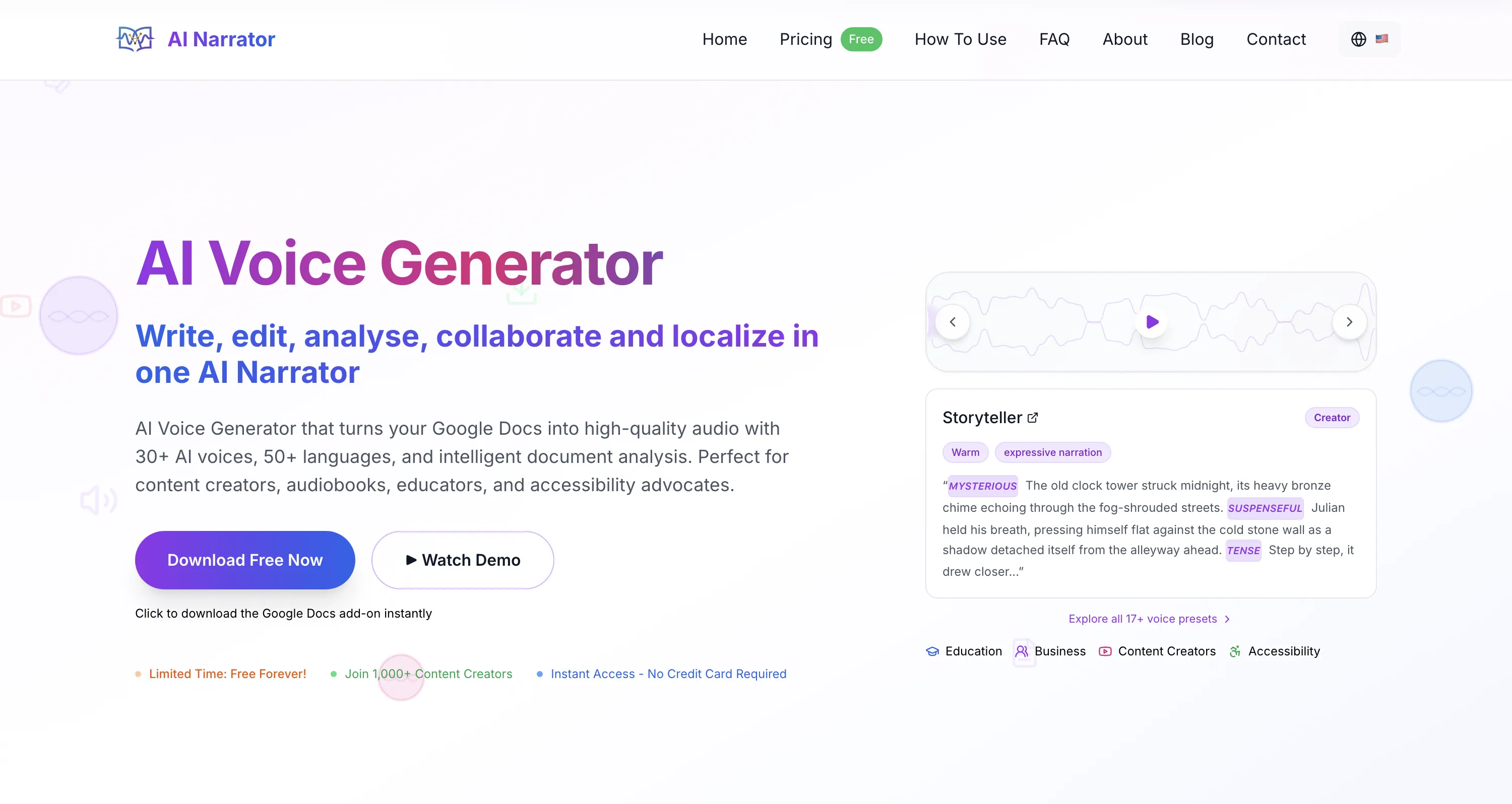
AI Narrator works both as a Chrome extension and as a Google Docs add-on. It converts documents and pasted text into audio using its own neural voices, which run on Google's Gemini TTS engine. It supports 21 languages and 32 voice characters, and it offers 19 curated presets tuned for different content types.
  • 21 Languages / 32 Voices

    A solid global language set with expressiveness controls via emotion tags.
  • WAV Download

    Export audio files; WAV download is available on the Pro plan.
  • Google Docs Integration

    Narrate documents without leaving the editor.
  • Free Plan

    5 TTS conversions per month on the free plan, up to a max 10,000-character input per conversion.

Pricing note: AI Narrator's free plan allows 5 TTS conversions per month. Its Pro plan runs about $7/month and raises that to 100 conversions plus WAV download, custom voices, and emotion/SSML control.

In my testing, the extension installed in seconds and generated a narrated version of a Google Doc without copying text to another tab — which is the main reason it outranks the others for document-heavy workflows.
2. Natural Reader — Best for Web Page Reading
Natural Reader is a long-running TTS extension that reads aloud from web pages, PDFs, and pasted text. It supports 100+ languages and offers a generous free tier, which makes it a strong everyday reader for anyone who mostly wants to listen, not export.
  • One-Click Reading

    Read any webpage aloud from the toolbar icon.
  • PDF Support

    Open and listen to PDF documents.
  • 100+ Languages

    Wide language coverage, though free voices sound more limited than the premium neural ones.
The trade-off is export: downloading audio requires a premium plan, and free voices are noticeably less natural than the neural voices on paid tiers. It is excellent for reading, less so for producing files.
3. Speechify — Best for Speed Reading
Speechify is built around reading fast. It highlights words as they're spoken and claims 1,000+ voices across 60+ languages, with an emphasis on consumer listening — for example, its Premium plan costs around $139/year.
Source: Speechify pricing and features2026
Note that consumer Speechify plans are largely for personal use — commercial rights require its Studio tier. Its free option is quite limited, so the real value sits behind the paid subscription.
4. Read Aloud — Best Lightweight Option
Read Aloud is a simple, open-source extension that uses your browser's speech engine. It has no real voice library of its own and no export option, but it is free and dependable — a good fallback when you just want a page read without signing up for anything.
Quality depends entirely on your operating system's TTS voices — on macOS that means Apple's voices, on Windows Microsoft's. That keeps it simple but limits how natural the output can sound.
5. Chrome Built-in TTS — Best for Accessibility
Chrome includes basic text-to-speech through its accessibility features. It is always available, requires no install, and can read the current page aloud. It is meant for accessibility rather than production: you cannot set emotion or pacing, and you cannot export audio.
To use it, right-click, choose "Read aloud selection," or open Chrome's accessibility settings. It's a fine starting point but not a replacement for a dedicated neural TTS extension.
How to Install a Chrome TTS Extension
  1. Step 1: Open Chrome Web Store

    Go to AI Narrator on Chrome Web Store and click "Add to Chrome" to install.

  1. Step 2: Click "Add to Chrome"

    Click the "Add to Chrome" button next to the extension. Chrome may ask you to confirm the install.

  1. Step 3: Grant Permissions

    Review the permissions and click "Add extension." Many TTS extensions ask for access to sites so they can read text aloud — read the prompt before accepting.

  1. Step 4: Configure Settings

    Click the extension icon in your toolbar to set your preferred voice, speed, and other options.

Privacy Considerations
Most TTS Chrome extensions send your text to external servers for processing. That means the content of your documents is transmitted over the internet, so think twice before sending confidential material through a cloud-based reader. Chrome's built-in TTS runs locally for playback, but it trades away voice quality and export.
Frequently Asked Questions
Which Chrome extension has the best voice quality? For the most natural neural voices, AI Narrator and Natural Reader's premium voices lead. AI Narrator offers 32 curated voices and 19 presets, with emotion and pacing control.
Can I download audio from Chrome TTS extensions? AI Narrator offers WAV download on its Pro plan. Natural Reader limits downloads to premium. Speechify, Read Aloud, and Chrome's built-in TTS are playback-focused.
Are Chrome TTS extensions safe? Most reputable extensions are safe, but always review the permissions they request. An extension that asks for access to "all websites" can read any text you view, so install from official stores and check reviews.
Install the free Chrome extension and convert your first document to audio in under a minute. Install Free Extension

Ready to Try AI Narrator?

Start converting your Google Docs into professional audio today. Free forever!

Add to Doc - It's free

How We Tested

Last verified August 2026

I installed each extension in a clean Chrome profile, read aloud the same 300-word test article, and compared voice naturalness, language coverage, download options, and real-world pricing.

DR

Daniel Reyes

·

TTS Product Researcher

Daniel Reyes benchmarks AI voice generators and developer TTS APIs. He runs structured listening tests, tracks pricing and language coverage, and writes honest tool comparisons for content creators and product teams.

View author profile

Try AI Narrator Free

Experience the voices mentioned in this article. Install the Google Docs add-on and generate audio from any document in seconds.

Browse All Voices

Browse other categories

Best AI Voice Generator Chrome Extensions in 2026 | AI Narrator Blog