How to Use AI Narrator: Step-by-Step Google Docs Integration GuideCome usare
Inizia in pochi minuti con il nostro semplice processo in 3 passaggi3 semplici passaggi per iniziare
Cos'è AI Narrator ed è gratuito?
AI Narrator è un'estensione gratuita per Google Docs che converte i tuoi documenti scritti in audio professionale utilizzando più di 30 voci AI in oltre 50 lingue. È completamente gratuito per sempre senza richiedere carta di credito. Installalo dal Google Workspace Marketplace in meno di 2 minuti e genera immediatamente il tuo primo audio.
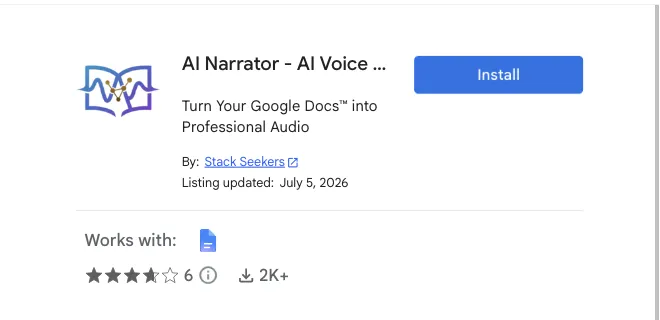
Passaggio 1: installa il componente aggiuntivo AI Narrator
Crea una copia del collegamento di Google Documenti.

Testo in vocePassaggio 2: apri la barra laterale dell'Assistente vocale AI
L'interfaccia apparirà sul lato destro con tutti i controlli.
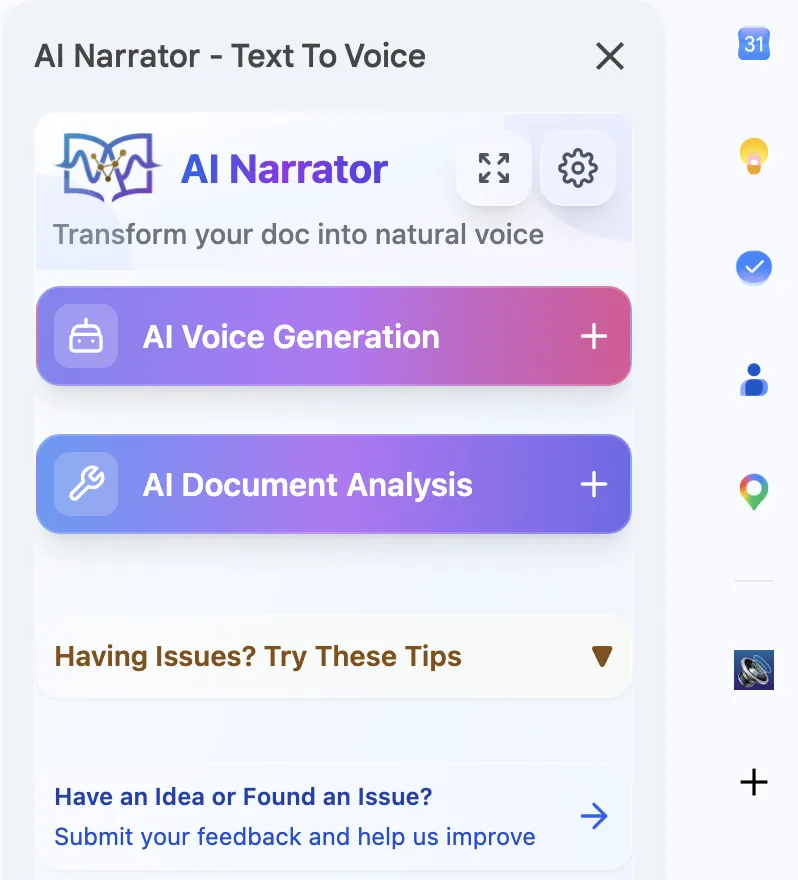
Fai clic su "Apri barra laterale"
Generazione vocale AI
Scegli tra oltre 30 voci AI professionali. Seleziona testo o converti interi documenti in audio di alta qualità.30+
Voce AI → Gioca!Analisi dell'intelligenza artificiale
Ottieni approfondimenti basati sull'intelligenza artificiale sul contenuto, sulla struttura e sui consigli per il miglioramento dei tuoi documenti.
Analisi Doc → Approfondimenti!