How to Turn Blog Posts into Podcast Episodes Using Google Docs
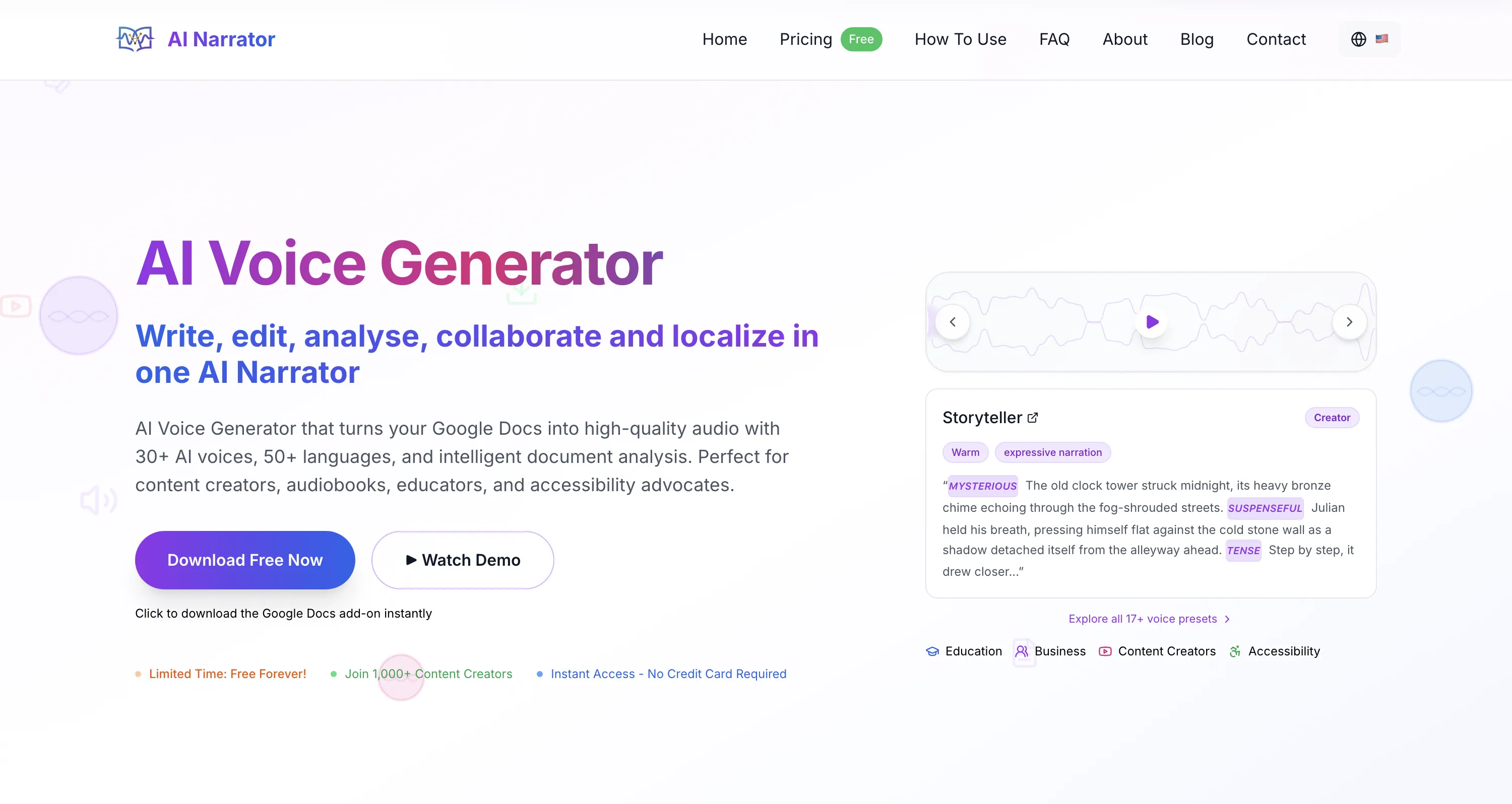
Quick Answer: To turn blog posts into podcast episodes, open your article in Google Docs, open the AI Narrator sidebar, select a preset like Storyteller, and generate your audio. On the Pro plan you can download the WAV file, add an intro and outro, and publish to Spotify or Apple Podcasts to reach listeners who prefer audio.
Extend Your Content Reach
Reach listeners on platforms like Spotify, Apple Podcasts, and Amazon Music who would otherwise never find your blog.Repurpose Efficiently
No need to brainstorm new topics. Turn your existing articles into podcast episodes without additional writing.Let Listeners Multitask
Audio lets audiences consume your content hands-free while driving, walking, or working.
| Podcast Aspect | Traditional Recording | AI Narrator Workflow |
|---|---|---|
| Equipment Needed | Studio mic, pop filter, interface | Just a browser |
| Recording Space | Soundproofed quiet room | Anywhere, silent generation |
| Editing Time | Hours removing errors and breaths | Minimal — generate and check |
| Repurposing Cost | High (time or hired talent) | Free plan + Pro for WAV export |
Step 1: Prep Your Script in Google Docs
Open your published blog post in Google Docs.
Remove web-specific phrases like "click the link below" or "as seen in the image above" and replace them with audio-friendly alternatives.
Step 2: Add Podcast Intro and Outro
Add a brief introduction such as "Welcome back to the [Podcast Name] podcast" and a clear call-to-action outro at the end.
This gives your audio file a professional podcast format.
Step 3: Select a Preset and Generate
Open the AI Narrator sidebar and choose a preset that matches your tone — Storyteller for narrative pieces or Executive Pitch for business content.
Click Generate and listen back to check that pacing and emphasis match your content.
Step 4: Download and Distribute
On the Pro plan, download the generated WAV file.
Upload the audio to your podcast host and publish it to Spotify or Apple Podcasts, or embed it at the top of your original blog post.
AI Narrator's 32 voices span 14 female and 18 male options, and the 19 presets adjust pacing, emphasis and emotional tone by category. For podcasts, a conversational or storytelling voice nearly always reads better than a formal documentary tone. You can also tune delivery with simple emotion and pacing tags, since the tool runs on Google Gemini TTS. If your audience spans languages, all 21 supported languages use the same preset logic, so a Storyteller episode stays consistent across English, Spanish, Hindi and others.
The free plan includes 5 TTS conversions a month, which is enough to try the workflow on a single article. When you are ready to publish regularly, Pro (≈$7 a month) raises you to 100 conversions a month with WAV download and voice cloning for a consistent branded voice across episodes.
- AI Narrator for Audiobooks: Best Voices & Presets — Voice presets for narrative and conversational content.
- How to Turn Google Docs into Audio Files — All audio conversion methods compared.
- AI Narrator vs ElevenLabs — Why AI Narrator is faster for document-based content creation.
- Best ElevenLabs Alternatives in 2026 — Full comparison of all AI voice tools.
Start your podcast today: Install AI Narrator for free and turn your first blog post into a podcast episode in minutes.
Want to hear these voices yourself?
Try our AI Narrator for free right now. No sign-up required.
Ready to Try AI Narrator?
Start converting your Google Docs into professional audio today. Free forever!
Add to Doc - It's free