सुनकर प्रूफरीडिंग: टेक्स्ट-टू-स्पीच से अधिक गलतियाँ पकड़ें
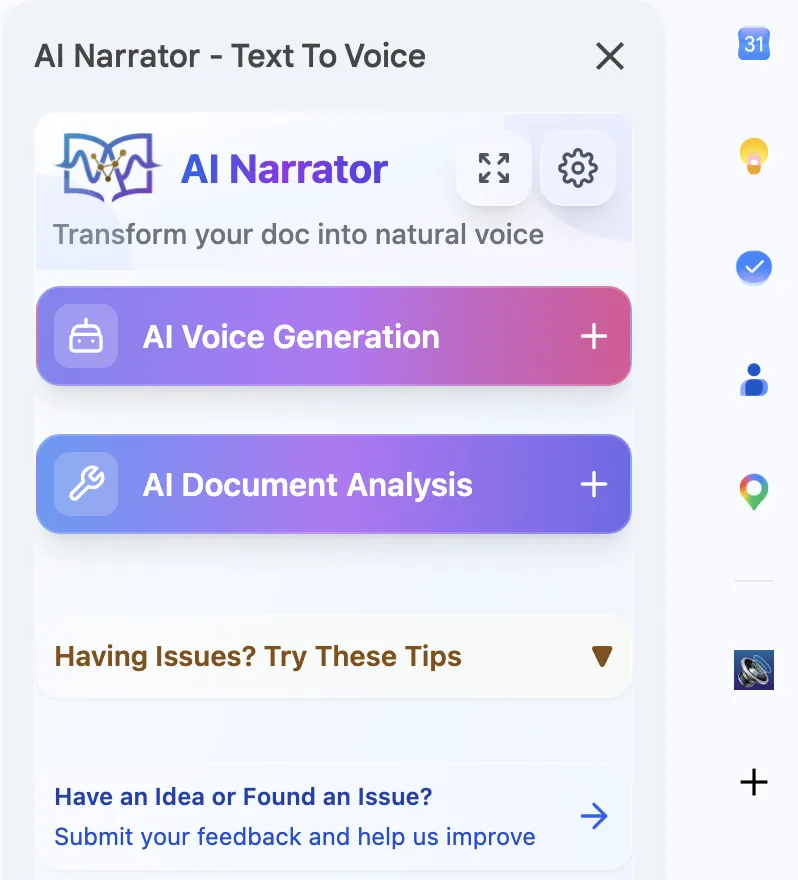
क्या आप स्वयं ये आवाजें सुनना चाहते हैं?
अभी हमारे AI नैरेटर को निःशुल्क आज़माएँ। कोई साइन-अप आवश्यक नहीं है.
अध्ययन बताते हैं कि टेक्स्ट को ज़ोर से सुनने से आप चुपचाप पढ़ने की तुलना में 50% अधिक त्रुटियों को पकड़ पाते हैं। ऐसा इसलिए है क्योंकि सुनना आपके मस्तिष्क के एक अलग हिस्से को व्यस्त करता है, जिससे आप प्रत्येक शब्द को अलग-अलग संसाधित करने के लिए मजबूर होते हैं। यह दोहराए गए शब्दों, छूटे हुए विराम चिह्नों और अजीब वाक्य प्रवाह को पकड़ने के लिए विशेष रूप से प्रभावी है।
टाइपो को तुरंत पकड़ें
उन गलत वर्तनी वाले शब्दों को सुनें जिन्हें आपकी आँखें अनदेखा कर देती हैंप्रवाह में सुधार करें
अजीब वाक्यांशों और लंबे वाक्यों का कानों से पता लगाएंटोन की जांच करें
सुनिश्चित करें कि आपका लेखन वैसे ही सुनाई दे जैसा आप चाहते हैंसमय बचाएं
अन्य कार्य करते समय सुनकर तेज़ी से प्रूफरीडिंग करें
चरण 1: AI नैरेटर में अपना दस्तावेज़ खोलें
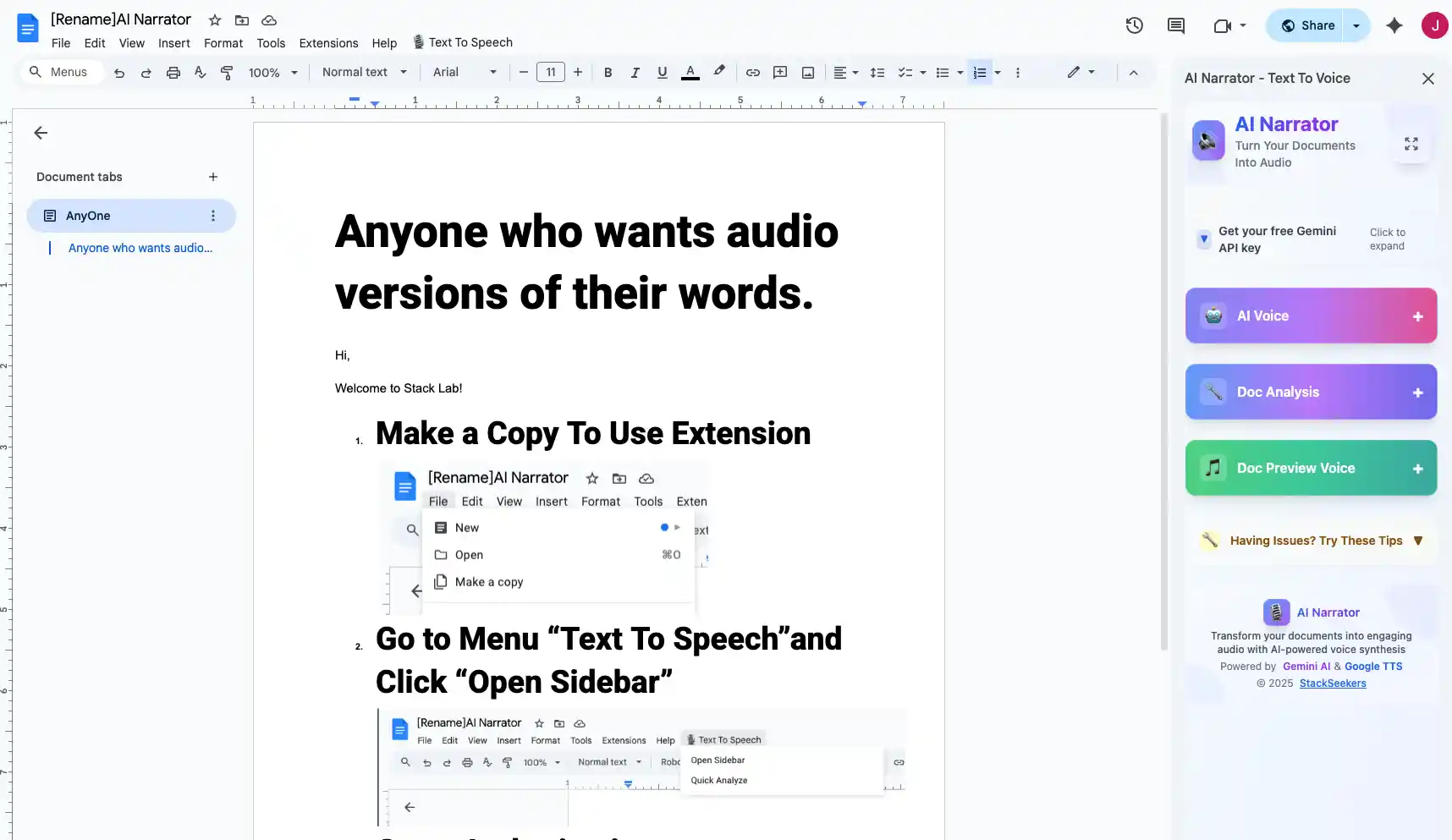
अपना Google डॉक खोलें और AI नैरेटर आइकन पर क्लिक करें। एक्सटेंशन सीधे आपके दस्तावेज़ संपादक के साथ एकीकृत हो जाता है।
चरण 2: एक आवाज़ चुनें
प्राकृतिक-ध्वनि वाली आवाज़ चुनें। AI नैरेटर 29+ आवाज़ें प्रदान करता है, ताकि आप ऐसी आवाज़ चुन सकें जो आपके दस्तावेज़ के लहजे से मेल खाती हो।
चरण 3: सुनें और चिह्नित करें
ऑडियो चलाएं और साथ-साथ पढ़ें। जब आप कोई गलती सुनें तो रुकें और सीधे दस्तावेज़ में सुधार करें।
चरण 4: समीक्षा करें और दोहराएं
सुधार करने के बाद, संशोधित अनुभागों को फिर से सुनें। तब तक दोहराएं जब तक आपका दस्तावेज़ एकदम सही न लगे।
AI Narrator को आज़माने के लिए तैयार हैं?
आज से अपने Google Docs को पेशेवर ऑडियो में बदलना शुरू करें। हमेशा के लिए मुफ्त!
Doc में जोड़ें - यह मुफ़्त हैसुनना निम्नलिखित को पकड़ने के लिए विशेष रूप से प्रभावी है: छूटे हुए या दोहराए गए शब्द, गलत विराम चिह्न (विशेष रूप से अल्पविराम और पूर्ण विराम), अजीब वाक्य संरचना, असंगत लहज़ा, और ऐसे शब्द जो संदर्भ में गलत लगते हैं। यह उद्धृत भाषण और संवादों के स्वाभाविक प्रवाह को सत्यापित करने के लिए भी उत्कृष्ट है। पहुंच (accessibility) के उद्देश्यों के लिए, ऑडियो रीडिंग डिस्लेक्सिया और अन्य पढ़ने की कठिनाइयों वाले उपयोगकर्ताओं की मदद करती है।
| त्रुटी का प्रकार | विज़ुअल पठन | सुनना | सर्वोत्तम तरीका |
|---|---|---|---|
| वर्तनी की गलतियाँ | कभी-कभी छूट जाती हैं | अक्सर पकड़ी जाती हैं | सुनना |
| गायब शब्द | आसानी से छोड़ दिए जाते हैं | स्पष्ट | सुनना |
| विराम चिह्न | ध्यान देने योग्य | बहुत स्पष्ट | सुनना |
| प्रवाह/लय | आँकना कठिन | तत्काल प्रतिक्रिया | सुनना |
| वर्तनी | स्पष्ट | उच्चारण-आधारित | विजुअल |
सामान्य बातचीत से थोड़ी धीमी गति से पढ़ें। "शुद्ध" ऑडियो जांच के लिए टेक्स्ट देखे बिना सुनें, फिर टेक्स्ट के साथ सुनें। ध्यान केंद्रित करने के लिए हेडफ़ोन का उपयोग करें। गैर-अंग्रेज़ी दस्तावेज़ों के लिए, हमारी बहुभाषी TTS मार्गदर्शिका सटीक आवाज़ें चुनने में मदद करती है।
Disclosure
Some of the tools compared on this site — including AI Narrator — are our own products. We review them on the same footing as competitors, on current pricing and hands-on testing, and always tell you when a product is ours.