Quick Answer
For most people, the best text-to-speech tool for Google Docs is AI Narrator. It offers 29+ natural AI voices across 21 languages, integrates as a sidebar extension, and lets you download audio — with a free plan that includes 5 TTS conversions per month.
Want to hear these voices yourself?
Try our AI Narrator for free right now. No sign-up required.
When choosing a TTS tool for Google Docs, consider voice quality, language support, ease of use, and how well it fits your workflow. A dedicated extension usually gives the smoothest experience because it stays inside the editor.
Natural AI Voices
Neural voices that sound human rather than robotic.Google Docs Integration
Works inside the Google Docs editor without switching tabs.Language Support
Enough languages for your content — AI Narrator covers 21.Audio Export
The ability to download the audio if you need it, not just play it.
Here are the options I actually tested, ranked by voice quality and how painless they were to use in Google Docs.
1. AI Narrator
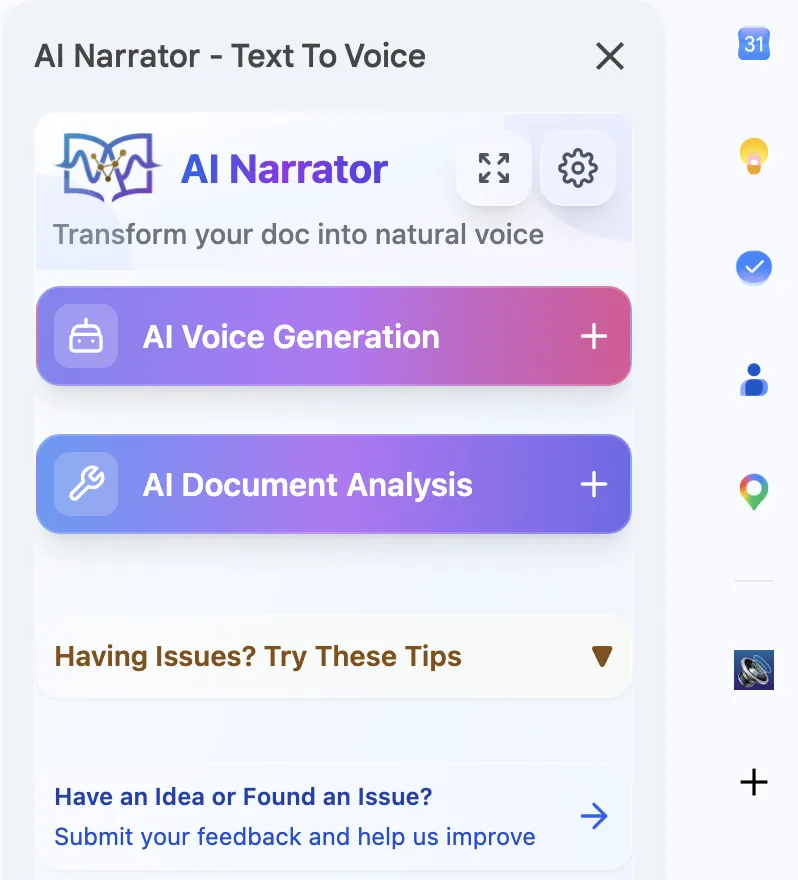
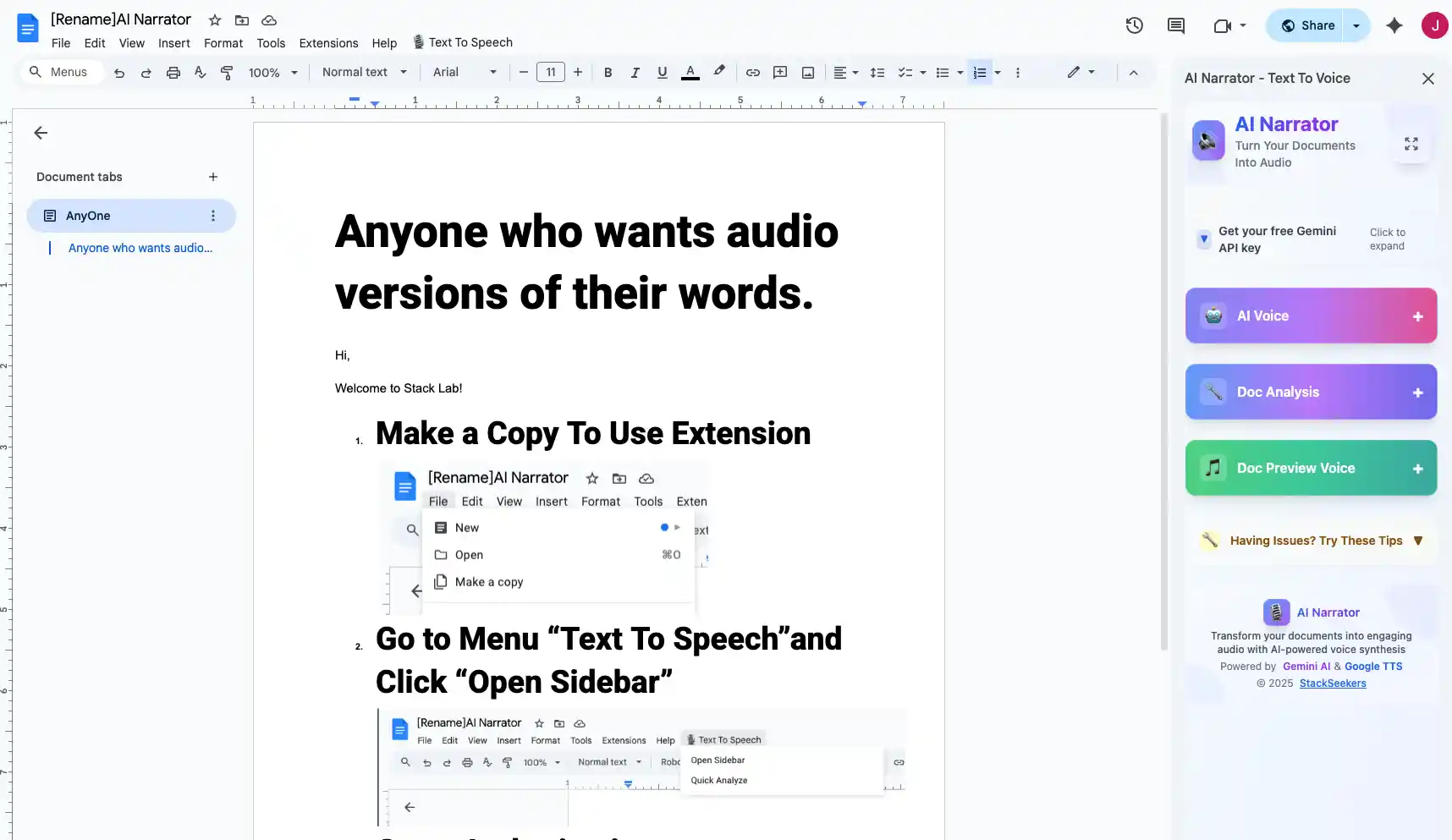
AI Narrator is the strongest choice for Google Docs. It offers 29+ AI voices across 21 languages and sits directly in the editor as a sidebar, so you can generate audio from any document or selection and download it as a WAV file (WAV on Pro).
The main limitation is that the free plan caps you at 5 TTS conversions per month, with Pro (about $7/month) raising that to 100 and unlocking WAV download.
2. Google Built-in TTS
Google Docs works with Chrome's built-in screen-reader features for basic read-aloud. It's handy in a pinch but lacks the voice quality, language range, and export options of a dedicated TTS tool.
3. Third-Party Extensions
Several Chrome extensions offer text-to-speech for Google Docs, but most have fewer voices and lower audio quality than AI-powered tools. They also typically can't generate files you can download.
Ready to Try AI Narrator?
Start converting your Google Docs into professional audio today. Free forever!
Add to Doc - It's freeAI Narrator combines professional-grade neural voices with deep Google Docs integration. It lets you pick from 29+ voices across 21 languages and export audio without leaving the document. For proofreading, see how listening to your text catches errors you might miss.
| Feature | AI Narrator | Google Built-in | Other Extensions |
|---|---|---|---|
| Voice Quality | Professional AI | Basic robotic | Varies |
| Number of Voices | 32 | System only | 5-10 |
| Languages | 21 | System only | Varies |
| Export Audio | WAV (Pro) | None | Rarely |
| In-Doc Integration | Yes | Partial | Yes |
Your choice depends on your needs. For quick, basic playback, Chrome's built-in tools may be enough. For professional-quality audio, broader language support, and content creation, AI Narrator is the strongest option. Read our Google Docs audio reader guide for a complete walkthrough.
Disclosure
Some of the tools compared on this site — including AI Narrator — are our own products. We review them on the same footing as competitors, on current pricing and hands-on testing, and always tell you when a product is ours.