Proofreading by Listening: Catch More Errors with Text-to-Speech
Want to hear these voices yourself?
Try our AI Narrator for free right now. No sign-up required.
Quick Answer: Proofreading by listening catches up to 50% more errors than silent reading. Use the AI Narrator Chrome extension to hear your Google Docs read aloud with 32 natural AI voices, and pause to fix mistakes as you go.
Studies show that hearing your text aloud helps you catch up to 50% more errors than silent reading. This is because listening engages a different part of your brain, forcing you to process each word individually. It's especially effective for catching repeated words, missing punctuation, and awkward sentence flow.
Catch Typos Instantly
Hear misspelled words that your eyes skip overImprove Flow
Detect awkward phrasing and run-on sentences by earCheck Tone
Ensure your writing sounds the way you intendSave Time
Proofread faster by listening while doing other tasks
Step 1: Open Your Document in AI Narrator
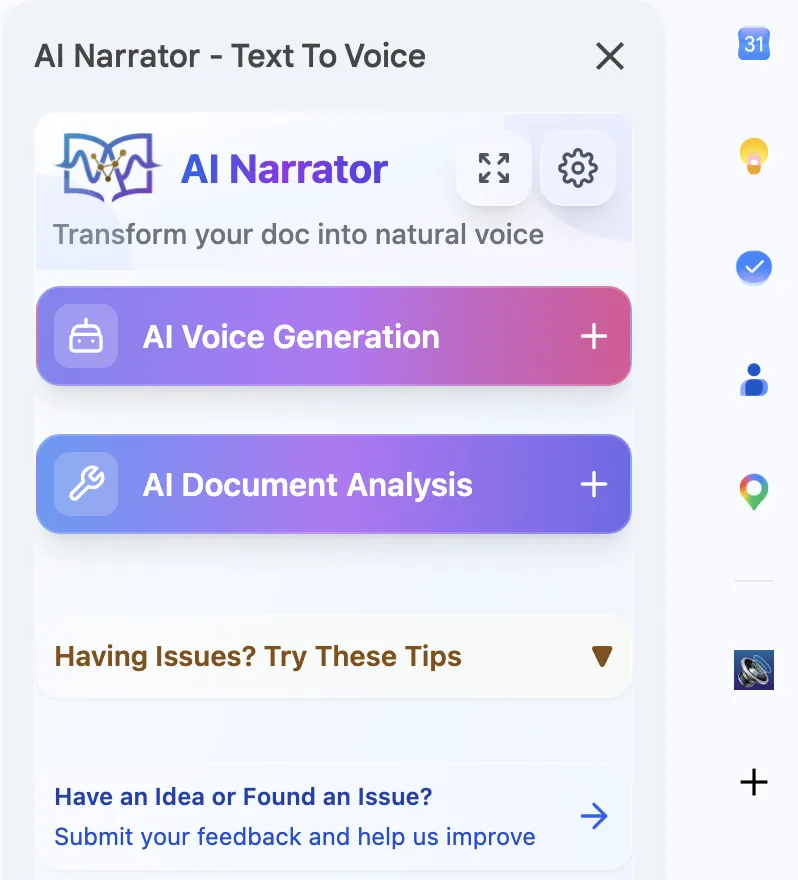
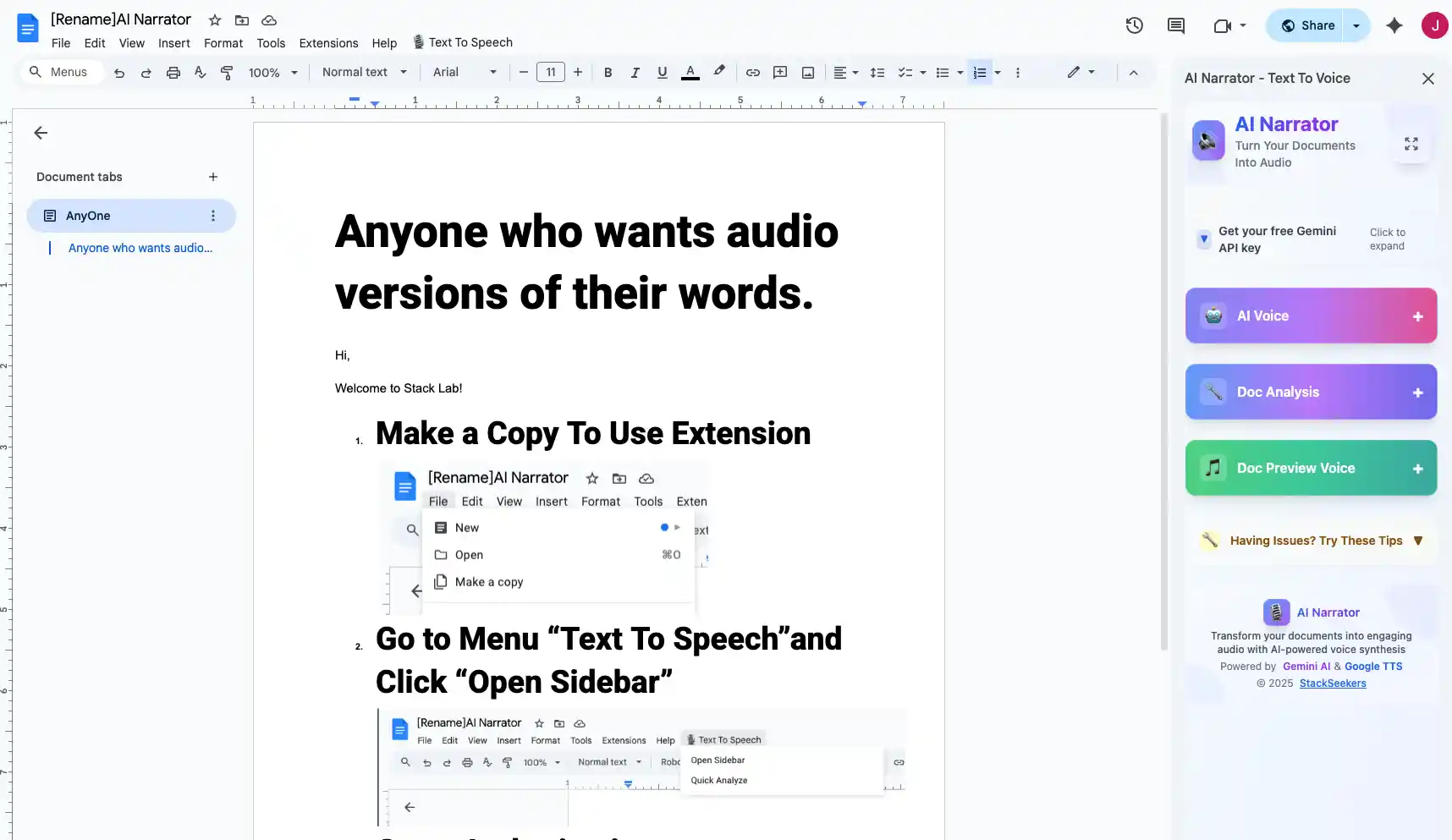
Open your Google Doc and click the AI Narrator icon. The extension integrates directly with your document editor.
Step 2: Select a Voice
Choose a natural-sounding voice. AI Narrator offers 32 voices, so you can pick one that matches your document's tone.
Step 3: Listen and Mark
Play the audio and follow along. Pause when you hear an error and make corrections directly in the document.
Step 4: Review and Repeat
After making corrections, listen again to the revised sections. Repeat until your document sounds perfect.
Listening is particularly effective for catching: missing or duplicate words, incorrect punctuation (especially commas and periods), awkward sentence structure, inconsistent tone, and words that sound wrong in context. It's also excellent for verifying that quoted speech and dialogue flow naturally. For accessibility purposes, audio reading helps users with dyslexia and other reading difficulties.
| Error Type | Visual Reading | Listening | Best Method |
|---|---|---|---|
| Typos | Sometimes missed | Often caught | Listening |
| Missing words | Easily skipped | Obvious | Listening |
| Punctuation | Noticeable | Very clear | Listening |
| Flow/Rhythm | Hard to judge | Immediate feedback | Listening |
| Spelling | Clear | Pronunciation-based | Visual |
Read at a slightly slower speed than normal conversation. Listen without reading along for a "pure" audio check, then listen again while following the text. Use headphones to focus on pacing and tone. For non-English documents, our multilingual TTS guide helps you select accurate voices.
Ready to Try AI Narrator?
Start converting your Google Docs into professional audio today. Free forever!
Download Free Now