Best Text to Speech for Google Docs in 2025
Quick Answer: The best text-to-speech tool for Google Docs is AI Narrator. It offers 32 natural AI voices, supports 15+ languages, integrates directly as a sidebar extension, and lets you download WAV audio files — all for free.
Not all text-to-speech tools are created equal. When choosing a TTS solution for Google Docs, consider voice quality, language support, ease of use, and how well it integrates with your existing workflow. A dedicated extension often provides the smoothest experience.
Natural AI Voices
High-quality neural voices that sound human, not roboticGoogle Docs Integration
Seamless embed directly in the Google Docs editor15+ Languages
Support for global languages and regional accentsFast Processing
Generate audio in seconds, not minutes
Here are the best options available today, ranked by features, voice quality, and user experience.
1. AI Narrator
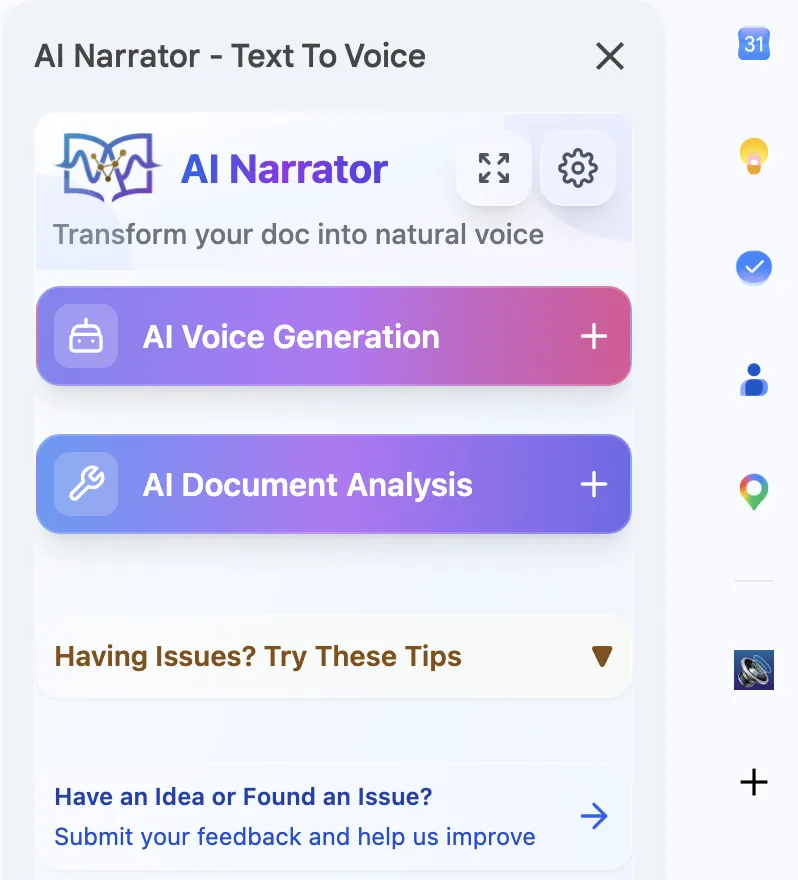
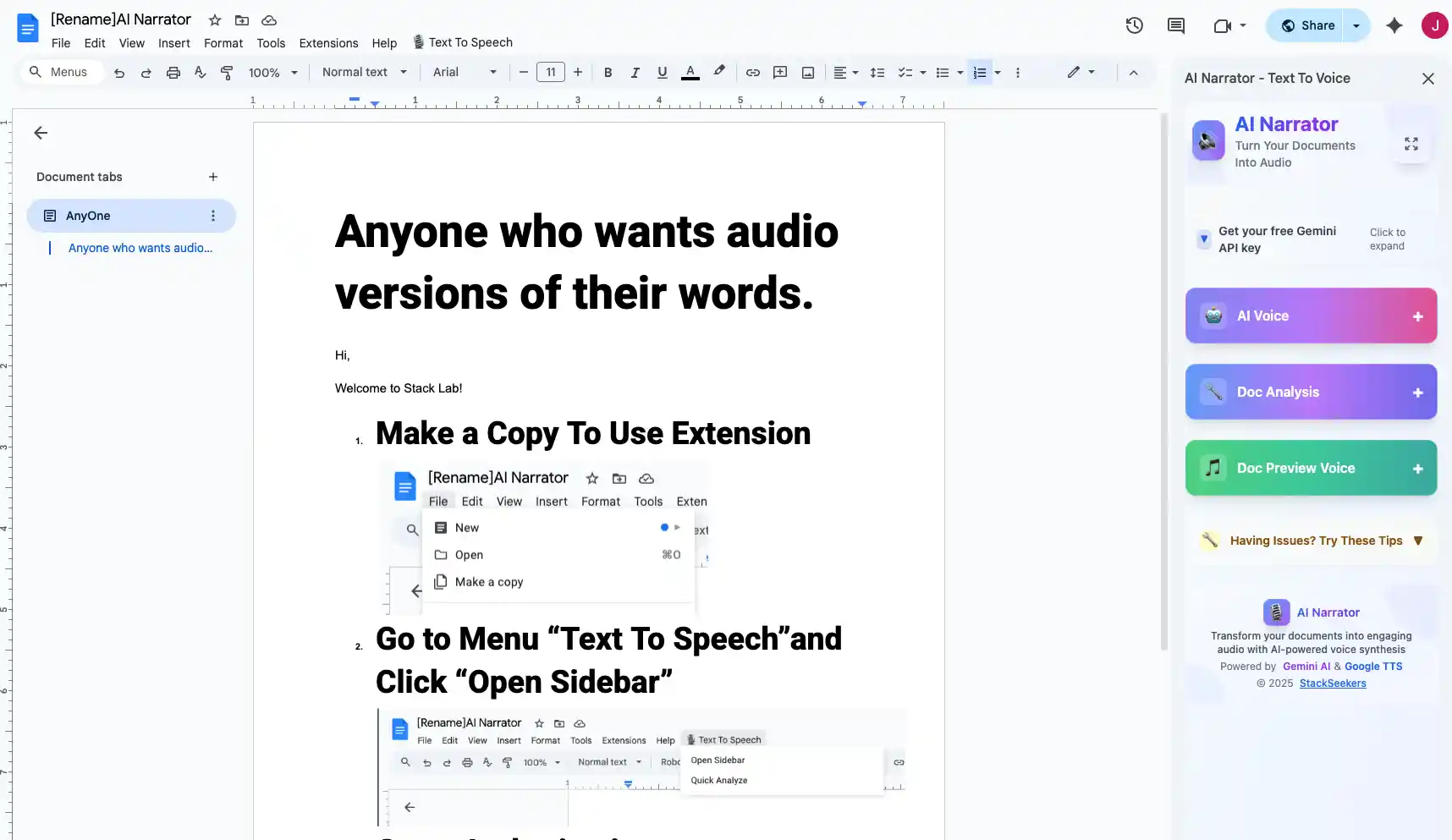
AI Narrator is the top choice for Google Docs TTS. It offers 32 natural AI voices, supports over 15 languages, and integrates directly as a Google Docs extension. You can generate audio from any document or selected text, and download it as a WAV file.
The interface is intuitive and works inside your document editor, so you never need to switch windows.
2. Google Built-in TTS
Google Docs has a basic built-in screen reader via Chrome's accessibility features. It works in a pinch but lacks the voice quality, language variety, and export options of dedicated TTS tools.
3. Third-Party Extensions
Several Chrome extensions offer basic text-to-speech for Google Docs. However, most have limited voice options and lower audio quality compared to AI-powered solutions like AI Narrator.
AI Narrator combines the best features of all other tools: professional-grade AI voices, deep Google Docs integration, and a simple interface. It's the only tool that lets you choose from 32 voices, support for 15+ languages, and export high-quality WAV files — all without leaving Google Docs. For proofreading, see how listening to your text catches errors you might miss.
| Feature | AI Narrator | Google Built-in | Other Extensions |
|---|---|---|---|
| Voice Quality | Professional AI | Basic robotic | Varies |
| Number of Voices | 32 | 2-3 | 5-10 |
| Languages | 15+ | 5 | 5-10 |
| Export Audio | WAV download | None | MP3 (limited) |
| In-Doc Integration | Yes | Partial | Yes |
Your choice depends on your needs. If you need quick, basic playback, Google's built-in tools may suffice. For professional-quality audio, multilingual support, and content creation, AI Narrator is the clear winner. Read our Google Docs audio reader guide for a complete walkthrough.
Want to hear these voices yourself?
Try our AI Narrator for free right now. No sign-up required.
Ready to Try AI Narrator?
Start converting your Google Docs into professional audio today. Free forever!
Download Free Now