Quick Answer
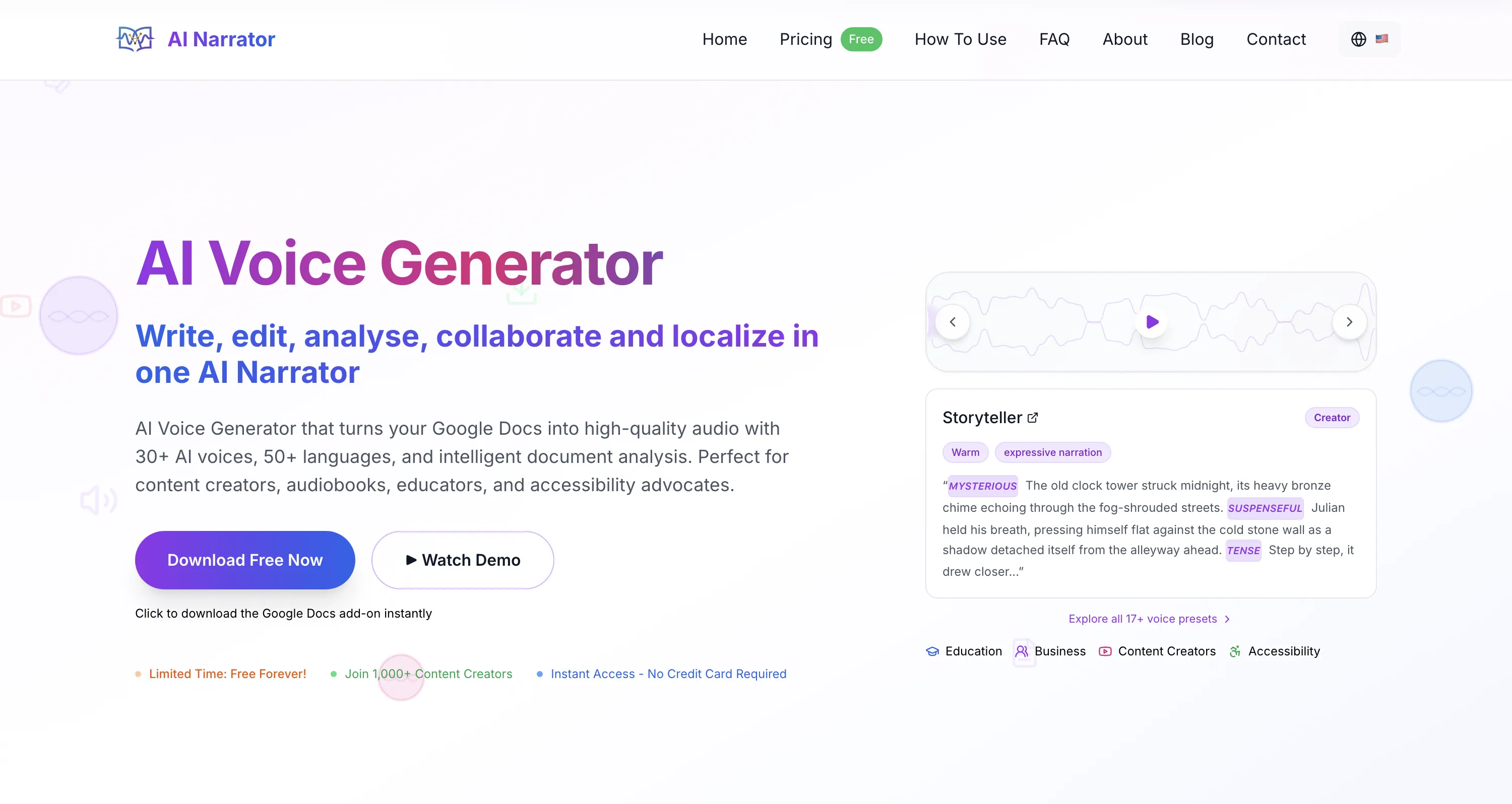
The AI voice generator for audiobooks that's right for you depends on your workflow. AI Narrator is the easiest option for Google Docs users — install the free add-on and narrate a document in minutes. ElevenLabs leads on raw voice realism and offers end-to-end audiobook features. Murf is strong for non-fiction and business narration.
Listen: AI-narrated audiobook sample using the Aoede voice — warm, expressive storytelling tone
1. Text Analysis & Preprocessing
The model breaks text into phonemes, resolves abbreviations, and handles punctuation to create natural pausing.2. Acoustic Feature Generation
A neural network converts the phonetic representation into acoustic features such as pitch, energy, and duration.3. Neural Vocoder
A vocoder turns those features into high-fidelity audio waveforms — this is what separates smooth, natural output from robotic speech.4. Prosody & Emotion Control
Advanced models modulate pacing, emphasis, and tone across the full context so narration reads like a performance rather than a mechanical readout.
Voice Naturalness
The output should sound close to a professional narrator, with natural breathing and smooth transitions between sentences.Emotional Range
Audiobooks shift between suspense, warmth, humor, and gravity. The best tools offer emotion tags, tone controls, or context-aware prosody.Long-Form Stability
The voice must hold a consistent quality and character over hours of content rather than degrading after a few paragraphs.Pronunciation Control
The ability to fix proper nouns and technical terms matters a lot for fiction and non-fiction alike.Output Quality
Ideally the tool lets you export clean audio that meets distribution specs for platforms like ACX, Spotify, and Google Play Books.
Want to hear these voices yourself?
Try our AI Narrator for free right now. No sign-up required.
| Tool | Voice Quality | Emotion Control | Starting Price | Best For |
|---|---|---|---|---|
| AI Narrator | High (Gemini TTS) | Emotion/pacing tags + presets | Free plan (5 TTS/mo) | Google Docs users, writers |
| ElevenLabs | Very high | Auto + manual | ~$5/mo Starter | End-to-end audiobook features |
| Murf | High | Pitch/speed/pause controls | ~$19-29/mo Creator | Non-fiction, business content |
| Speechify | High | Limited | ~$139/year Premium | Listening to manuscripts |
| Google Cloud TTS | High | Via Gemini TTS | Per character/token | Developers and API access |
Ready to Try AI Narrator?
Start converting your Google Docs into professional audio today. Free forever!
Add to Doc - It's freeStep 1: Install AI Narrator
Go to the Google Workspace Marketplace and install the AI Narrator add-on. Grant the permissions it needs to read text from your Google Docs and generate audio.
The add-on appears in the Extensions menu of any Google Doc — no separate account required beyond your Google login.
Step 2: Prepare Your Document
Clean up your manuscript for narration. Remove headers, footers, page numbers, and formatting notes the AI might read literally.
Write out abbreviations that should be spoken as full words (e.g., "Doctor" instead of "Dr."). Add paragraph breaks for natural pacing. See our audio conversion tutorial for details.
Step 3: Select Your Audiobook Preset
Open the AI Narrator sidebar. Choose from audiobook-friendly presets like Storyteller for fiction or Cozy Read for memoirs and self-help.
Each preset pre-configures pacing, tone, and emotional delivery. You can also clone a voice for a personalized narration style on Pro.
Step 4: Generate and Download
Highlight the text you want to narrate, then click Generate Narrator Audio. AI Narrator processes the document section by section.
Once complete, download the audio (WAV on Pro). Output volume and clarity are clean enough to bring to distribution platforms with light post-processing.
- Clean your manuscript first. Remove page numbers, headers, and bracketed formatting notes. The AI reads whatever text it sees.
- Test-narrate a sample chapter. Always listen to several minutes of generated audio before converting a whole book to check pacing, pronunciation, and emotion.
- Use paragraph breaks strategically. Narrators pause at paragraph breaks. Keeping paragraphs short gives listeners breathing room.
- Fix pronunciations early. For proper nouns and technical terms, use the tool's pronunciation controls or emotion/SSML tags to correct misreads.
- Match voice to genre. A warm voice suits memoirs; a deeper, authoritative voice suits thrillers and non-fiction. Test several voices before committing.
- Can I publish AI-narrated audiobooks? Many retailers accept AI narration, but policies vary and disclosure is typically required. Check the current AI-narration policy for each platform before publishing.
- What is the cheapest way to create an audiobook? AI Narrator's free plan lets you generate several conversions per month from Google Docs; Pro ($7/month) raises that to 100 conversions with WAV download. For a fully free option, Amazon's KDP Virtual Voice and Google Play Books' auto-narration are worth researching.
- Do listeners accept AI-narrated audiobooks? Reception varies by genre and voice quality. However, listener preference is subjective and varies by genre and voice quality.
- Can I clone my own voice for audiobook narration? Yes. ElevenLabs and AI Narrator (Pro) both support voice cloning — AI Narrator clones from roughly 30 seconds of audio.
- AI Narrator for Audiobooks: Best Voices & Presets — Explore voice presets optimized for different audiobook genres.
- AI Narrator vs ElevenLabs — How AI Narrator compares to the leading AI voice platform.
- The Complete Guide to AI Voice Cloning — Clone your own voice for unique audiobook narration.
- How to Turn Google Docs into Audio Files — Step-by-step audio conversion methods.
Sources
Disclosure
Some of the tools compared on this site — including AI Narrator — are our own products. We review them on the same footing as competitors, on current pricing and hands-on testing, and always tell you when a product is ours.